Community feedback, War Room rules fixes and smarter CPU movement
Share and discuss ideas on the new community feedback board. This week’s War Room improvements also cover Kurak Stonejaw, melee strike reactions in PvE and PvP, and CPU movement through crowded formations.
At a glance
Visit the Myrina feedback board under Tools to post ideas, vote, discuss improvements and follow their progress.
Kurak can Defend your Dwarven Forges characters from any rank. After a redirected melee strike resolves, he can Riposte against the original attacker.
The CPU makes better use of Sister Kiren and formation recovery instead of repeatedly passing behind crowded ranks.
Jump to category
New features
- A community feedback board with Archivist Myrina
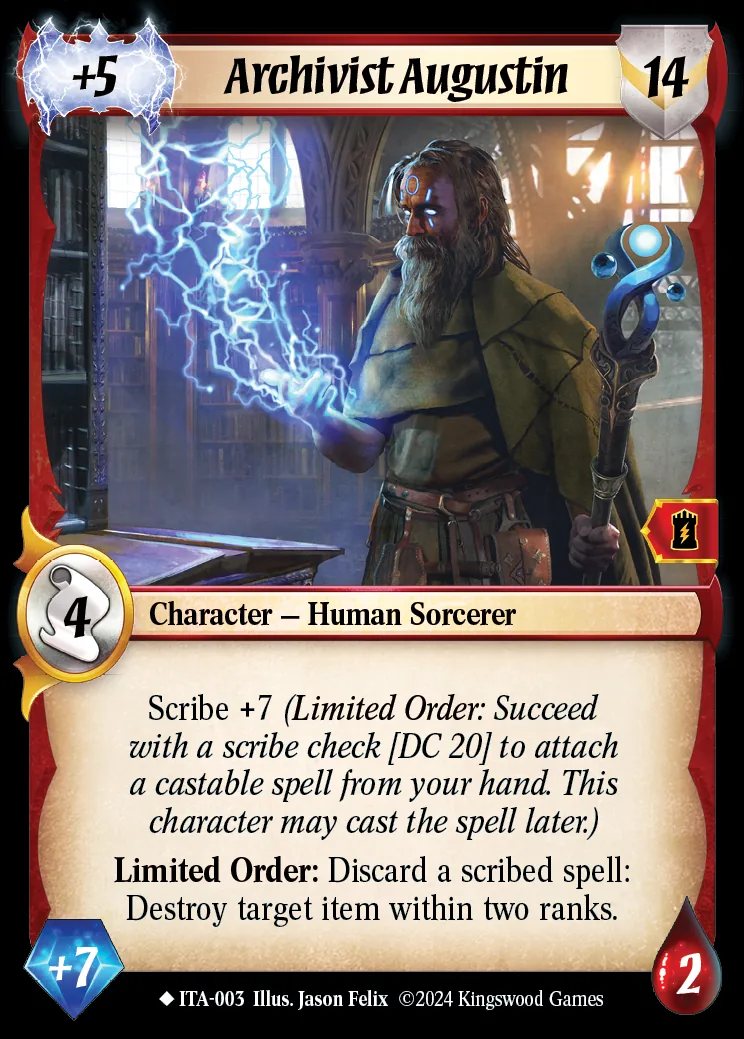
Share ideas on the public Feedback Board under Tools, upvote or downvote suggestions, and discuss them with other collectors. Verified accounts can comment, reply to individual comments, edit their own comments with an Edited label, and remove them without deleting other replies. Follow ideas for in-site staff-response and status alerts; authors automatically follow their submissions. Reply alerts and a feedback notification preference help you keep up. Pinned staff responses and status history make progress clear. Search by category, browse followed ideas, sort by recent activity, and see similar ideas before posting. Duplicate ideas link to the main discussion while keeping their existing votes and comments. Report concerns privately to staff; locked discussions show the reason and pause new comments and edits. The Myrina layout works on desktop and mobile. Public posting is clearly marked, blocking protections remain in place, and private account concerns still belong in Contact. Bug reports and staff-only game logs now have their own Bug Board. - Report and discuss bugs in Bilder’s Workshop
The new Bug Board under Tools brings bug reports, comments, replies, upvotes and downvotes together with Gadgeteer Bilder. Search existing reports, follow discussions and see staff responses and fix status. Verified collectors can publish a report after confirming that its written details will be public, or add their own JSON game log to an existing report. Game logs and automatic War Room captures stay private and can only be viewed or downloaded by staff. War Room bug reporting now opens the board form; conduct reports and earlier private reports retain their existing privacy. The board works on desktop and mobile and preserves blocking protections. - Take a seat in the Gathering Hall
All signed-in collectors can visit the Gathering Hall under Tools to chat, reply to messages, and add appreciation reactions. Desktop puts the conversation beside the player list; mobile offers Chat and Players views. Messages and visible players refresh automatically while preserving your draft and reading position. Your seat stays reserved for one hour after the last Hall check-in, including when you switch away or close the tab. Keeping the Hall visible renews it; Leave hall frees it immediately. Online-status preferences control the player list, and blocking hides messages, reply previews, and reactions between blocked collectors. You can remove your own messages or report concerns privately to staff. The Hall is separate from the PvP Lobby and does not require choosing a deck or enabling invitations. Quick links in the welcome message and community panel take you to PvE in the War Room or the PvP Lobby. Tag cards with @c[card name], sets with @s[set name], public decks with @d[deck name], and collectors with @username. Suggestions work with keyboard and touch; deck suggestions include the owner to distinguish matching names. Tags and pasted site links open in a new tab. Private or revoked decks and blocked collectors are excluded from suggestions and clickable references, with visibility checked again as chat refreshes. Unavailable or ambiguous names remain plain text, and ordinary refreshes preserve your drafts. Username tags send on-site Alerts under Mentions when the recipient allows tag notifications. Up to eight collectors can be tagged per message, repeated tags and retried sends do not duplicate alerts, and the Hall has no email or @everyone broadcasts. Alerts open the tagged message even after it leaves the latest-50 feed. Blocks, removed messages, and the 24-hour message window are rechecked before showing alerts or opening their messages.
War Room & rules fixes
- Kurak Stonejaw’s Defend, Limited Order and Riposte
Kurak can Defend a Dwarven Forges character you control from any rank, in either formation. A rank‑3 Kurak can redirect an ordinary melee strike from your front‑rank Tunnel Vanguard to himself, then use Riposte against the original attacker even if the strike missed. Other targeting conditions still apply: an effect that requires a spent target requires Kurak to be spent, and True Strike prevents redirection. A canceled strike counts as performed for the extra wound on Kurak’s Limited Order. If a friendly character legally strikes Kurak with a card effect, his Riposte can strike that attacker back. - Follow-up React targets and strikes
After Wraithstalker hits a character that survives, Dwarf-Eater can use his Limited React against that same character even outside ordinary melee range, without paying the item cost again or inheriting its extra wound. Zaina now chooses a legal nearby melee target instead of being restricted to the opposing caster. Nothrog S’sike correctly uses its bearer’s position and ATK when an opposing character moves within one rank, spending the item rather than its bearer. Divine Barrier can answer a legal friendly strike while remaining locked to the actual attacker; a missing attacker never becomes an unrelated target choice. These fixes apply in PvE and PvP and preserve costs, source restrictions and interrupted strikes. - Death React timing and clearer battle messages
Additional wounds to an already-dying character no longer trigger its Death React again or finish its death ahead of the original effect. This fixes Trogid granting an extra Journey when Alrayn strikes him during his Death React. Legal strikes and separate Death Reacts from other characters still work in PvE and PvP. Movement React descriptions retain their original trigger, and Igniting the Storm now names each character and check result instead of making each save look like another full batch of rolls. - Empty decks no longer block remaining card effects
Mair Haven can continue to both ranged strikes when the opponent has no cards to reorder, while optional Swivel and eligible Crypt Wine Reacts remain available. Compound Survey effects now have a clear Continue choice when the deck is empty, preserving effects already resolved and costs already paid. Fatestring Bow still strikes at +0 against an empty deck; mandatory discard and reveal costs remain required for other cards. Fateshift requires its reveal card, and Lights of Revealing Sword requires all ten cards and pays that reveal before cancellation Reacts. Farhaven Guide finishes its shuffle and banishment when its search finds nothing. Drawing works again after a depleted deck receives cards, including Alaya's shuffle-and-draw React. Well Supplied reveals the available cards from a short deck and allows legal equipment choices, but is unavailable on an empty deck; Frameseer likewise avoids a zero-effect Survey. These fixes apply to both PvE and PvP. - Advantage stays with the correct roll
Warboss Azh’kal’s next-melee-strike advantage stays with that strike through Powerattack and other checks, and expires at turn end if unused. Charisma now modifies the specific pending roll you chose, including nested feat checks, without leaking into another roll or surviving a canceled check. Strike-specific effects combine correctly with general next-roll effects. Assassin’s Strike and Dizzying Footwork cancel each other’s roll modes in either React order while retaining their other effects. Any advantage and disadvantage cancel regardless of how many sources apply. CPU forecasts use the same rules and avoid wasting Charisma when it cannot improve the roll. Applies to PvE and PvP.
Deck building & collections
- Thalaasa joins the public card catalog
Thalaasa’s Crimson Coast #34 printing is available to browse and track in your collection, with original artwork and artist credit. Her existing collector identity is preserved. This legacy printing does not enable Thalaasa in the War Room.
Rewards & cosmetics
- Beta rewards now recognize time as a tester
Beta Vanguard rewards now unlock through time as an active Beta Tester: Bronze at 30 days, Silver at 120 days, and Gold at 180 days. Each tier includes its matching badge, card sleeve, and dice. Your current enrollment time counts, rank changes preserve Vanguard progress, and already-earned rewards stay yours. Field Points and point awards have retired. The Beta Hub and Rewards page show service progress, with automatic reward checks hourly and when you visit. Removal or expiration before a milestone ends that enrollment; rejoining starts a new qualifying period. Membership and Senior and Head playmat rewards keep their separate requirements.
Interface & accessibility
- Pass an empty PvP React window
When you have priority in PvP and no React to use, the War Room now shows a Pass React button. Pass to continue the strike and give the other player their next eligible React, including Kurak’s Riposte after Defend. - Unread notices for your Feedback and Bug Board discussions
Feedback and Bug Board navigation badges now show unread activity in your own discussions, posts you have commented on, and posts you follow. Tools combines these counts with unread patch notes, and the mobile menu shows a notice before you open it. Counts refresh automatically without marking anything read. Open a discussion to mark its displayed comments read, or use the Unread discussions filter to catch up. New activity labels help identify those discussions in the board lists. Notices respect your discussion notification preference and existing visibility and blocking protections; private game-log uploads do not appear in these public discussion counts. - Clearer Order requirements, React explanations and refreshed choices
The War Room Orders panel now includes an ability review with remaining uses, printed requirements, spend and discard costs, and targeting guidance for supported battlefield and equipment Orders. It distinguishes used abilities, stunned performers, missing costs or legal choices, and unsupported text. Retsov's private explanation also identifies Unique conflicts in your hand; being spent alone still does not block his Limited Order. React windows explain recorded reasons why other public-card Reacts are unavailable and clarify that passing priority does not cancel the underlying action. Rejected choices now refresh the current board without automatically replaying the action. The shared PvE and PvP interface keeps hand-based explanations private and supports readable, scrollable reviews on desktop and mobile. - Clearer dice results on desktop and mobile
Strike, skill-check, spell and save results stay clear of the combatant panels on desktop and mobile. Fireball follow-up saves now use the shared responsive result panel, with wrapping text and scrolling on short screens. Public save results such as Glaciate appear correctly for both PvP players without exposing private cards or repeating an already shown roll. Longer check results stay visible a little longer, with Continue to move on and Dice & results to review recent rolls afterward. Powerattack still shows one die and an advantaged melee strike shows both dice with the kept result identified. PvP clocks are unchanged and keep running while results are reviewed. - A clearer place to meet and challenge players
The desktop and mobile navigation link is now labeled PvP Lobby. Opening PvP automatically joins the shared lobby when your invitation and privacy settings allow it, with chat and available players side by side on desktop and Chat, Players and Invites sections on mobile. Choose your own deck or an eligible official army using the War Room army picker, then review or change it before sending or accepting a challenge. Incoming challenges offer a clear review dialog and confirmed declines; unavailable invitations close without committing your army. The lobby now holds up to 100 players and explains when the room is full. Blocking and privacy settings still apply, and ten minutes of inactivity returns you to the War Room, with a warning during the final minute. Automatic refreshes and incoming messages do not reset that timer or rejoin an expired listing. If joining fails, the page explains the problem and keeps a manual retry available. - Choose whether tags notify you
Profile → Privacy & Messages now offers a Notify me when I’m tagged setting, with a shortcut from the Gathering Hall. Turning it off stops new username-mention and @everyone alerts while preserving your separate reply, followed-discussion, private-message, and every-message preferences. Existing alerts stay in your inbox, and you can turn tagging alerts back on later. Gathering Hall username tags now send on-site alerts when enabled; blocking in either direction prevents delivery.
Bug fixes & performance
- More purposeful CPU movement
The CPU now recognizes Sister Kiren’s movement support when recruiting and evaluates useful Kiren and Squire Fendric formation repairs earlier. Formation planning now reuses repeated calculations and gives useful recovery moves more of its existing forecast allowance, helping Kiren and Fendric complete their evaluations on slower servers instead of repeatedly passing behind crowded ranks. Moves that cannot be fully checked remain unverified. Movement still respects printed restrictions, costs, eligible Reacts and leader safety. - Smoother battlefield refreshes and better flicker reports
The shared PvE and PvP board keeps matching playmat artwork and animated sleeve videos through updates, reducing animation restarts while cards and available actions refresh normally. Older browsers restore video playback position when uninterrupted playback is unavailable. Game-log browser diagnostics now retain recent graphics and media interruptions and explain application-triggered reloads, making intermittent flickering easier to investigate. Private board protections and PvP clocks are unchanged.